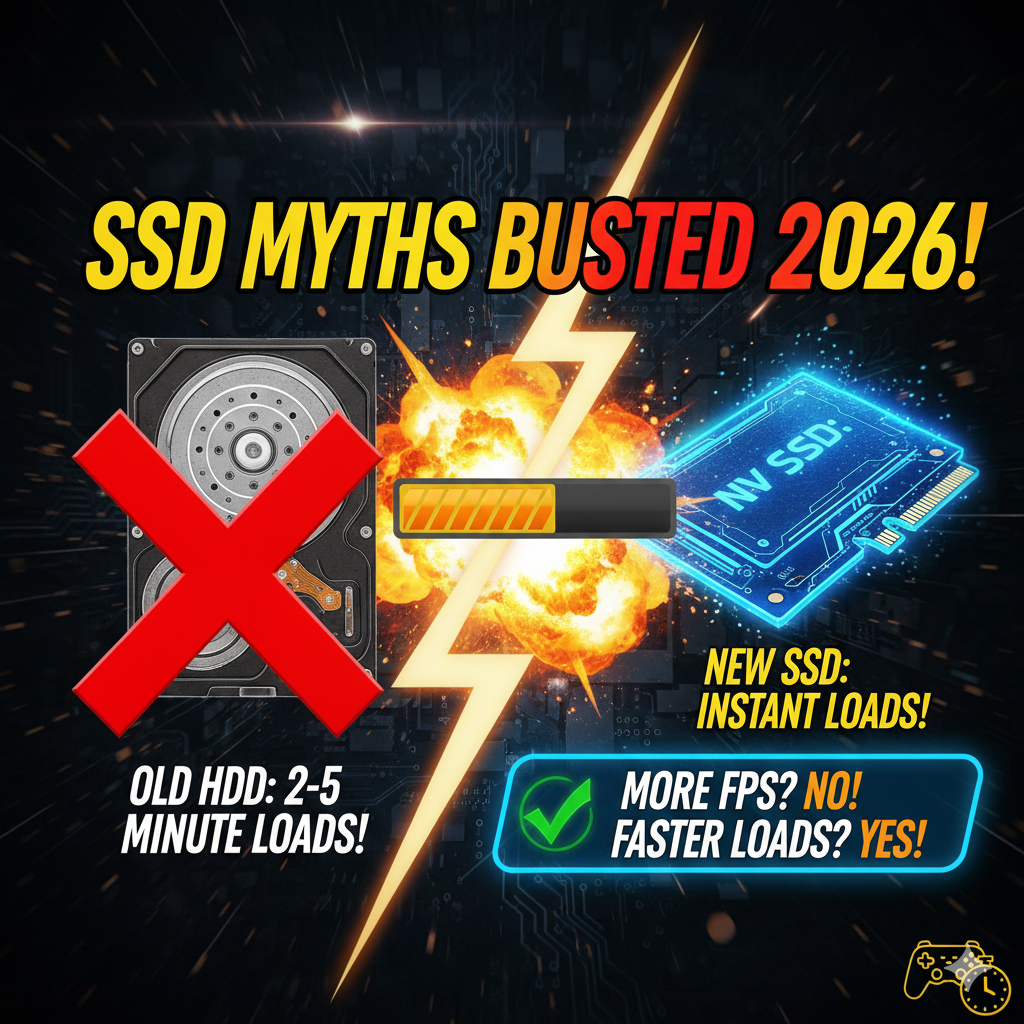
Still playing games on a hard disk drive? You’re missing out on much faster load times and smoother performance. Even an older, low-cost solid-state drive from years ago gives the same peak frame rates as someone running the newest PCIe Gen5 storage. Speed differences show up elsewhere – but not in maximum FPS. The real gap lies between HDDs and anything labeled SSD, regardless of age or price. Upgrade once, benefit every time you launch a game. Performance jumps are clear the moment levels start loading quicker. Older tech holds back modern experiences more than people realize.
Read More : https://ahadtech.in/bottleneck-calculator-check-cpu-gpu-compatibility-how-to-use/
Moving to even basic flash storage changes how quickly assets stream into view. Frame rate ceilings stay unchanged across all SSD types, though responsiveness feels sharper. That lag when opening maps or fast-traveling disappears almost completely. Real gains come from reduced wait times, not higher numbers at the top end. Loading screens shrink dramatically after switching. Gamers notice smoother transitions even if benchmarks look similar. What matters most happens behind the scenes, outside of frame-per-second counts. Shifting from spinning disks to any form of solid-state memory lifts a bottleneck that’s been around for years. Experience improves instantly, no matter which SSD generation you pick.
Even so, how fluid the frame rate feels, how quickly open environments react, when you succeed in multiplayer matches – these now depend more on how fast data loads. By 2026, peak transfer rates alone – say, moving from 3,000MB/s to 14,000MB/s – no longer shape real-time visuals nearly as much as they once did; instead, steady delivery shapes experience.
Can an SSD Limit FPS?
A straightforward response would be negative – yet performance hiccups might still affect perceived smoothness. While raw speed isn’t blocked, responsiveness could lag behind expectations under certain loads.
The Technical Ceiling
Picture speed depends on how fast graphics hardware draws images alongside processor instructions guiding those operations. After data loads into video memory or main system memory, storage stops working. Various repeated tests across many trials show moving from older SATA drives with moderate throughput to newest PCIe five-point-zero models brings no real change – sometimes up to two percent at most – in typical frame rates.
The Bottleneck Reality
A sluggish SSD forces brief stutters, dragging down 1% lows unexpectedly. Even with averages showing 120 frames per second, delayed assets trigger tiny freezes mid-play. When the engine asks for data too late, hiccups appear without warning.
- Hard Disk Drives (HDD): HDDs struggle with smooth performance in today’s demanding games. Titles like Cyberpunk 2077 show frequent hiccups when loading assets. Starfield stutters during world traversal on spinning disks. Games built with Unreal Engine 5 often halt briefly while reading data. Slow access times make HDDs a weak match for open-world experiences.
- SATA SSDs: Achieves fluid performance across most situations when using SATA SSDs. Stutters show up faintly during heavy loads seen in 2026’s large-scale titles.
- PCIe 3.0/4.0 NVMe: The sweet spot sits here – PCIe 3.0 or 4.0 NVMe drives keep up without issue in today’s systems. Performance gaps vanish when using these SSDs, meaning tasks move smoothly, always. Hiccups linked to storage simply do not appear with this choice, making it reliable by default.
- PCIe 5.0 NVMe: Achieving speeds beyond today’s demands, PCIe 5.0 NVMe prepares systems for what comes next. Though gains now appear minor – loads improve by just one to three seconds – the headroom remains. Because real-world impact feels limited at present, benefits seem subtle. Yet forward compatibility quietly adds value over time. While peak performance exceeds current needs, adoption aligns with longer-term planning. As applications evolve, the foundation may prove worthwhile.
Read More : https://ahadtech.in/top-8-gpu-servers-for-ai-in-2026-features-performance-applications/
2026 Storage Performance Real World Comparison
To figure out whether your drive slows things down, start by ignoring advertised speeds. Performance in games released around 2026 reveals what really happens under load.
Load Time Comparison: HDD vs. SATA vs. NVMe
Data from TechInsight Labs and PCMag testing
Launching games takes longer on older drives compared to newer ones. A spinning disk handles data more slowly than a solid state drive with moderate speed. Fast storage based on PCIe 3 or 4 technology loads titles quicker than basic models. The latest PCIe 5 hardware cuts loading times even further. Time lost using old systems vanishes when upgrading to modern solutions.
| Game / Task | HDD | SATA SSD | PCIe 3.0/4.0 NVMe | PCIe 5.0 NVMe |
| Red Dead Redemption 2 | 98s | 32s | 28s | 26s |
| Starfield (Warp/Travel) | 22s | 18s | 6s | 3.8s |
| Call of Duty MWII | 41s | 33s | 12s | 8s |
| Cyberpunk 2077 (Save Load) | 120s | 30s | 21s | 19s |
Switching from an HDD to any SSD cuts load times drastically – roughly 70 to 80 percent less wait. Moving on, upgrading from SATA to NVMe brings a clear improvement, shortening delays by around 20 to 40 percent. Yet beyond that point, shifting to Gen5 offers little real gain, only shaving off another 5 to 10 percent. That last step? Barely registers in daily use.
B. In-Game Smoothness (Stuttering & 1% Lows)
| Drive Type | Texture Pop-In | Open World Performance | Multiplayer Load Times |
| HDD | Severe | Constant Stutter | Player Often Spawns Late |
| SATA SSD | Slight | Rare | Smooth (under 10s) |
| PCIe 3.0 NVMe | Available | Perfect | Ready Now |
| PCIe 4.0/5.0 NVMe | Support Available | No Delays | Instant |
Slower drives once shaped how older titles like Fallout 4 loaded data – timing built into code assumed mechanical delays. When lightning-speed SSDs remove those pauses, mismatched pacing emerges between incoming resources and script handling. The game struggles not from lack of speed but from too much of it, revealing hidden constraints in its design. What helped before now disrupts. Engine weaknesses that stayed quiet suddenly show.
SSD Myths Examined Beyond 2026
- Myth 1: “DirectStorage makes Gen5 mandatory.”Though DirectStorage cuts down on CPU workload while allowing the GPU to handle decompression, its adoption remains limited. By early 2026, fewer than twenty big games actually use it completely. Titles like Forspoken and Ratchet & Clank do include support – yet there, even a PCIe 3.0 storage drive delivers enough speed. Performance gains beyond that tend to fade.
- Myth 2: “SATA SSDs are obsolete for gaming.”Here’s the thing: SATA SSDs may fall short for Windows 11 system duties – boot speeds just don’t match up anymore. Yet they work fine storing games. Take the Samsung 870 EVO; loading times beat what any 2026 console manages via streaming.
- Myth 3: “My game stutters because my SSD is slow.”Stutter happens even with top-tier NVMe hardware – check what else runs behind the scenes. When high-speed storage fails to fix lag, look at how hard the processor works during data unpacking. Six-core systems can hit their limit before files finish loading. Fast memory helps, yet bottlenecks shift elsewhere under load. Blame lands on drives, though the real strain hides inside core utilization gaps.
What to Buy in 2026?
The Budget Gamer or Casual Player
- Use: 1TB SATA SSD like Samsung 870 EVO or Crucial MX500.
- Why: Because most games run smoothly without costly hardware. Half the expense brings nearly full performance. A budget option covers almost every title well.
- Price: Around sixty to eighty U.S. dollars.
Mainstream Enthusiast
- Use: 2TB PCIe 4.0 NVMe SSD (WD Black SN850X, Samsung 990 Pro, Acer Predator GM7000).
- Why: Speed meets value here. Instant game loading happens without delay. When DirectStorage launches, these models are ready. Each gigabyte costs about six cents.
- 2026 Specs: Up to 7,450MB/s reads.
Building for the Future Without Limits
- Use: 2TB PCIe 5.0 NVMe like Samsung 9100 Pro or WD Black SN8100.
- Why: Samsung 9100 Pro reaches speeds of 14,700MB/s. Gamers won’t see an increase in FPS, but moving big files becomes drastically faster and editing 8K video feels noticeably smoother. Makes sense solely when money is not tight.
The “I have an Old PC” Upgrader
- Use: PCIe 3.0 NVMe drives (Samsung 980, Crucial P3).
- Why: Even without Gen4 compatibility, a Gen3 drive (3,500MB/s) is sufficient. Performance hits stem from interface constraints rather than storage speed. Consistent access matters more than peak read rate.
FAQ 2026
Q: Upgrading from SATA to NVMe does not directly increase FPS in Fortnite, Valorant, or CS2?
Not really. Most competitive games depend more on processor and memory performance. Getting a better graphics card might get you into the level slightly quicker – maybe two or three seconds – but once you’re playing, shooting fights feel identical in smoothness.
Q: SSD overheating and fps drops?
True, but not directly. When temperatures climb past 70–80°C, NVMe drives begin to throttle performance. This slowdown can drop data retrieval speeds close to those of traditional hard drives. During intense gameplay, such drops might lead to noticeable hiccups. A heatsink on the motherboard helps prevent this.
Q: I have 16GB of RAM. Is my SSD a bottleneck?
Maybe. By 2026, using only 16GB could push limits in demanding games like Microsoft Flight Simulator or Cities: Skylines 2. Once memory fills up, the machine relies on the SSD for overflow storage (page file). A sluggish drive here leads to stutters. Prioritize more RAM before touching storage.
Q: Is 500GB enough for gaming in 2026?
A single game can take up close to 150GB. Windows plus two or three high-end games fit within 500GB, but today, one terabyte better suits typical needs.
Q: PS5 Needs Gen4 SSD?
True enough. Among gaming systems, only a handful tap into Gen4 speeds. Slotting in a SATA SSD – or an older Gen3 model – into the PS5 brings noticeably worse texture loading compared to using the built-in storage.
Stop Chasing SSD Speed
- Red Zone (HDDs): Built for older systems, HDDs crawl below 500MB/s – modern AAA titles halt under such strain.
- Yellow Zone (SATA/Gen3): Achieving speeds between 500MB/s and 3,000MB/s proves sufficient for most tasks. Performance remains stable without noticeable frame rate drops. Texture loading might lag slightly under heavy demand.
- Green Zone (Gen4/Gen5): Starting at 3,000MB/s and beyond is where speed gains stop mattering much. Performance hits a plateau because games rarely push past that threshold.
A sluggish SSD using SATA won’t steal frames during gameplay, yet delays load times and breaks flow. Swapping out a functioning NVMe for games makes little sense. Still running an older hard drive? That changes everything – get solid state storage now. Using SATA already? There’s no urgent need to upgrade just yet. Have PCIe Gen4 hardware? Skip the latest Gen5 push – you’ll gain more by boosting processor speed or installing quicker memory.

Ahad Tech is a proper website name which is run by Mohammad Abdul Ahmed and in this website you show proper guide step by step to all exclusive content because i have experience of 13+ years of web development field and proper coder. we strive to turn our passion for Technology, Educational & Information into a thriving website to help people with daily needs.