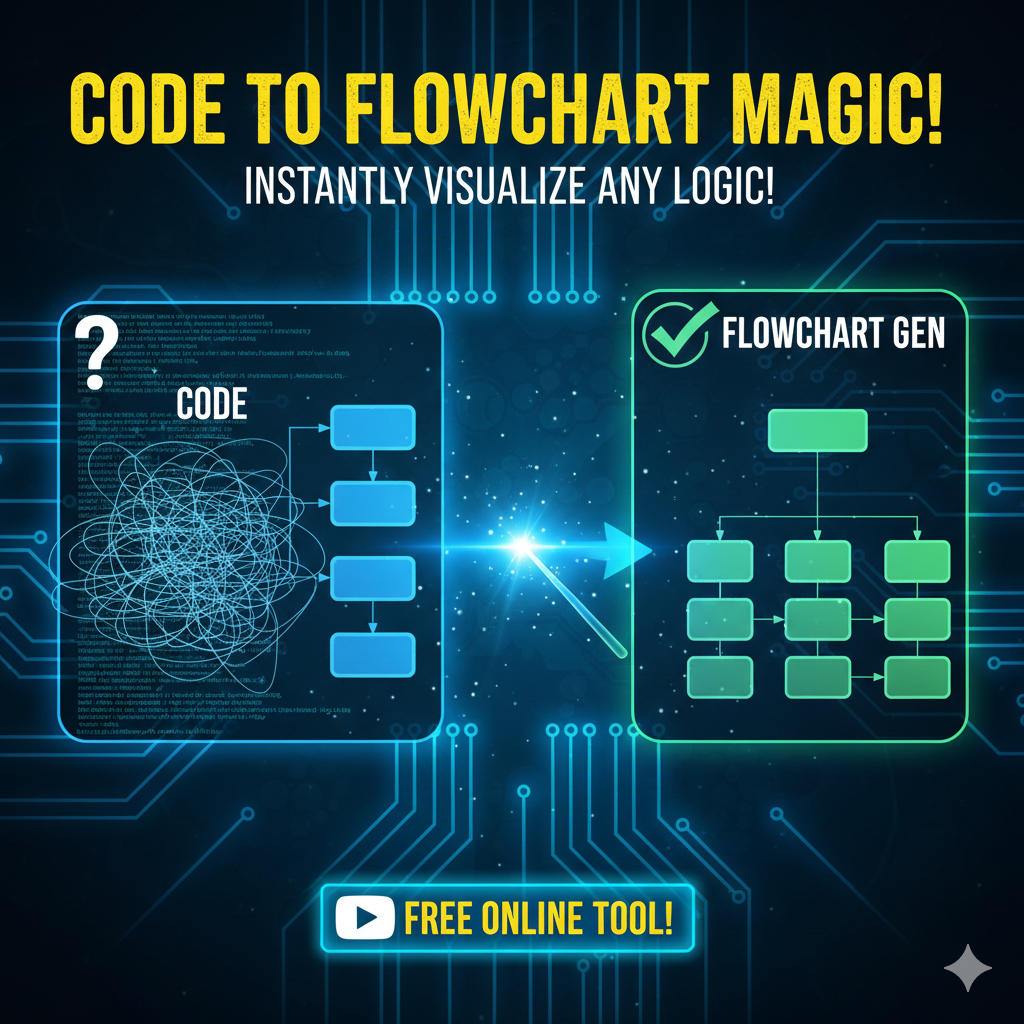
One way to picture code clearly: turn it into shapes and arrows. Such a tool reads lines written by programmers, then spots patterns in how steps connect. Following those paths, it builds boxes linked by directional lines. Execution order becomes visible through layout and sequence. Logic branches appear as forks in the diagram. What runs first sits at the top, what follows arranges below. Each decision point shows conditions plainly. Loops circle back naturally within the drawing. The result? A map matching how instructions unfold when run. Structure emerges without extra effort. Seeing control flow helps catch issues early
Quick Syntax:
[Text]= Rectangle Box(Text)= Rounded Box{Text}= Diamond (Decision)-->= Arrow-- Label -->= Labeled Arrow
Key Components
- Parser: Examines source code, breaking it down by structure. Syntax comprehension follows once symbols are recognized correctly. After scanning comes interpretation of meaning through rules. Structure emerges when patterns fit defined forms. Code gets translated into a model computers process step by step.
- Symbol Generator: Creates appropriate flowchart symbols (process, decision, start/end, etc.).
- Layout Engine: Organizes symbols for clarity and logic.
- Visualization Module: Shows final flowchart.
Flowchart Types Created
- Control Flow Diagrams: Display execution paths and decision points.
- Data Flow Diagrams: Show movement of data through systems.
- Structure Charts: Show module hierarchies.
- Sequence Diagrams: Depict how objects interact across time.
How It Works: The Technical Process
1. Code Parsing Begins
A sequence of characters gets processed first through lexical examination, splitting things into meaningful units. After that step comes syntax evaluation—this builds a clearer picture of how elements fit together structurally within the program.
Simple Code Snippet Example:
def calculate_discount(price, customer_type):
    if customer_type == "regular":
        discount = price * 0.10
    elif customer_type == "premium":
        discount = price * 0.20
    else:
        discount = 0
    return price - discount
2. Abstract Syntax Tree (AST) Created
Starting with the code’s layout, a tree-like form takes shape through parsing. This internal model captures how elements relate across levels. Structure emerges as each piece finds its place within branches. Through step-by-step analysis, meaning begins to unfold in nested layers. What results is a clear map reflecting syntax relationships.
3. Symbol Mapping
Code elements match particular shapes in a diagram:
- Oval: Start / End / Function Entry
- Rectangle: Process (Assignments and Calculations)
- Diamond: Decision (If/Else)
- Parallelogram: I/O Operations
4. Generate Layout & Visualization
Starting from basic shapes, these systems position nodes so connections stay clear. Lines flow more smoothly when symbols settle into balanced layouts. A single diagram appears, shaped by choices made earlier. Output formats (PNG, SVG, PDF) adapt without changing meaning.
Top Tools Compared
| Tool | Support Languages | Output Options | Main Functions | Cost Details |
|---|---|---|---|---|
| Code Visual to Flowchart | C, C++, Java, JS, PHP | PNG, BMP, SVG, PDF | Real-time & Batch processing | $99 – $299 |
| Flowchart.js | JS, Python, Java | SVG, PNG, PDF | Web-based interactive | Free (Open Source) |
| DRAKON Editor | Multiple | SVG, PNG, PDF | Aerospace Visual Syntax | Free |
| Visual Paradigm | Java, C++, Python | Multiple Formats | UML & Team Features | $89 – $199/mo |
| Code2Flow | Python, JS, Ruby | Web View, PNG | Online Freemium | Freemium |
How to Use This Tool (Code2Flow Example)
- Prepare Your Code: Remove extra comments and debug lines for a cleaner diagram.
- Upload or Paste Code: Navigate to the site and paste your snippet into the input area.
- Adjust Settings: Select your programming language and choose a layout direction (Top-to-Bottom or Side-to-Side).
- Generate and Customize: Click generate. Rearrange elements or add annotations if the tool allows.
- Export and Share: Save as PNG, PDF, or SVG for documentation.
Benefits and Limitations
Benefits
- Simplification: Visuals turn complex logic into digestible maps.
- Documentation: Automatically generates technical records for audits.
- Debugging: Easily spot infinite loops or “dead” logic paths.
- Onboarding: Helps new developers grasp existing codebases quickly.
Limitations
- Complexity: Struggles with highly unconventional or spaghetti code.
- Context Loss: May miss external dependencies or business “why” logic.
- Maintenance: Diagrams must be regenerated whenever the source code changes.
Frequently Asked Questions
- How accurate are they? Most reach 85–95% correctness. Unusual nesting or rare language traits can cause errors.
- Can they handle OOP? Yes, but clarity on inheritance/polymorphism varies by tool.
- Are there free options? Yes, Flowchart.js, DRAKON, and PlantUML are excellent free choices.
- Can they generate from Binary/Compiled code? Generally, no. These tools require access to the original source code.
Future Trends
- AI-Enhanced Generation: Using NLP to choose symbols based on deep context.
- Real-Time Collaboration: Multiple developers editing flowcharts simultaneously.
- Extended Reality (XR): 3D flowchart visualization in VR/AR for immersive code exploration.
- Predictive Analytics: Spotting potential bugs by examining “hotspots” in the flow complexity.
Conclusion
These calculators turn written code into clear diagrams, serving as vital tools for team handovers, training, and error detection. Success follows when usage becomes routine, helping teams grasp intricate systems and handle long-term updates. As AI advances, these tools will deepen their role, making interaction with code feel more dynamic and responsive.

Ahad Tech is a proper website name which is run by Mohammad Abdul Ahmed and in this website you show proper guide step by step to all exclusive content because i have experience of 13+ years of web development field and proper coder. we strive to turn our passion for Technology, Educational & Information into a thriving website to help people with daily needs.